


Many battery-powered smart locks still accept a stored keypad code when home Wi-Fi goes down. Remote app control, cloud alerts and some integrations may stop until the connection returns. A dead lock battery is a different problem: the keypad and motor may no longer work. Your exact model determines which backup methods are available.
For a Denver household, the useful question is not simply whether a lock is “smart.” It is whether everyone who needs to enter can do so when a phone, router or battery fails. Use this guide to check the lock you already own before buying a replacement.
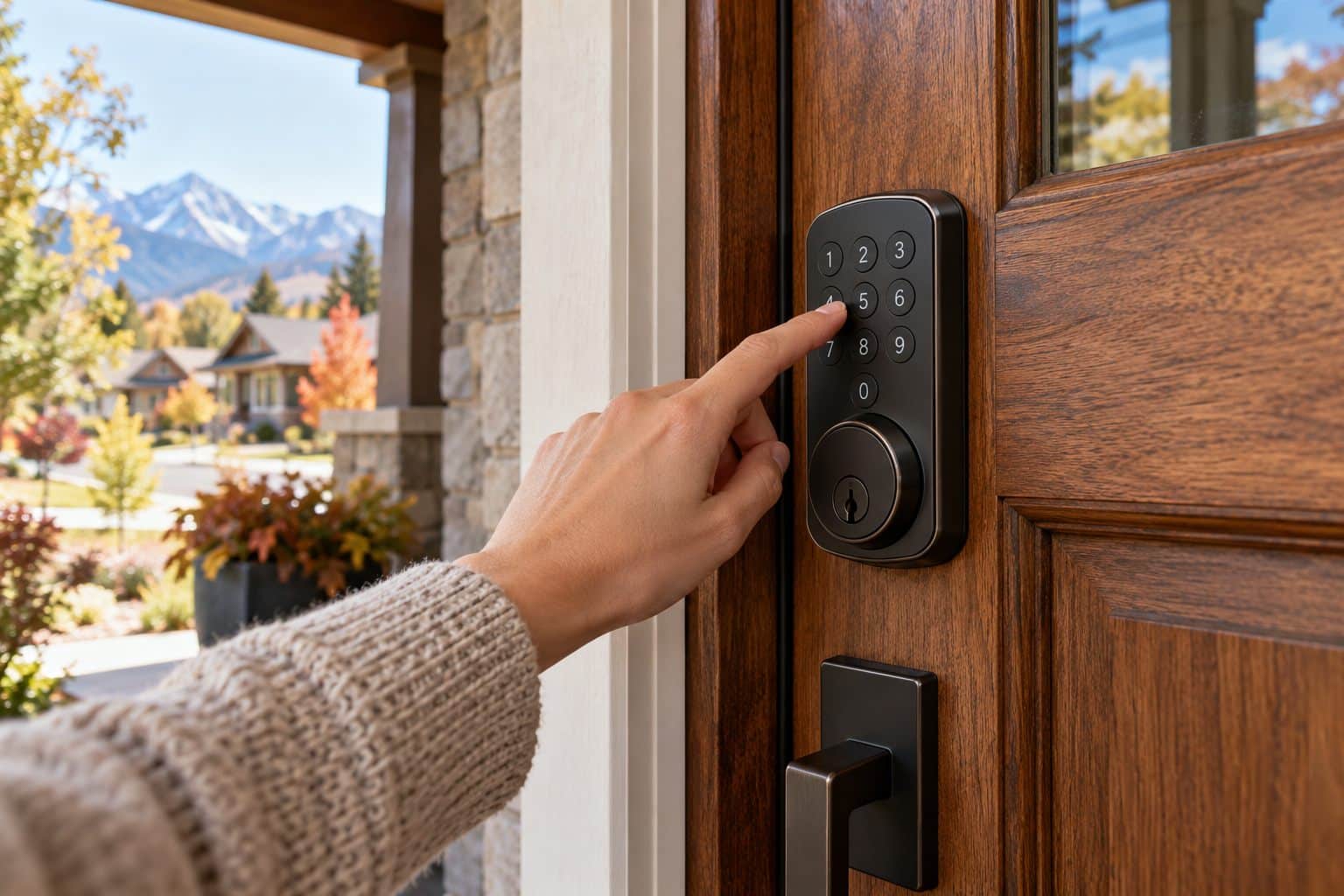
Separate the four things that can fail
A smart lock can depend on several systems that fail independently. Household electricity powers the router. The internet connection supports cloud services. Your phone supplies an app or digital credential. Batteries inside many residential locks power the keypad and motor. Losing one does not automatically mean losing them all.
| Problem | What may still work | What to check |
|---|---|---|
| Internet or Wi-Fi outage | Stored keypad codes; supported local Bluetooth; mechanical key | Model’s offline features |
| Household power outage | Battery-powered lock functions | Whether hubs and network equipment have power |
| Dead phone | Keypad or mechanical backup, if fitted | An entry method independent of the phone |
| Dead lock batteries | Mechanical key or manufacturer-approved emergency power, if supported | Model-specific recovery instructions |
Do not apply this table to every building access system. A shared entrance with an electric strike or magnetic lock can have a different power supply and emergency design. Ask the building manager about common-area doors.
Check the manufacturer’s instructions, not the app icon
Find the exact model number and its official manual. Look for offline access, low-battery warnings, emergency entry and how codes are stored. A lock that supports Bluetooth does not necessarily support every remote feature through Bluetooth. Creating a new guest code from another city may depend on an online connection even when an existing code continues to work locally.
For example, Schlage explains in its power-outage guidance for its smart locks that its battery-operated locks remain locked when household power and Wi-Fi fail. That is useful manufacturer-specific information, not a guarantee covering every brand, model or installation.
Make a backup plan before leaving Denver
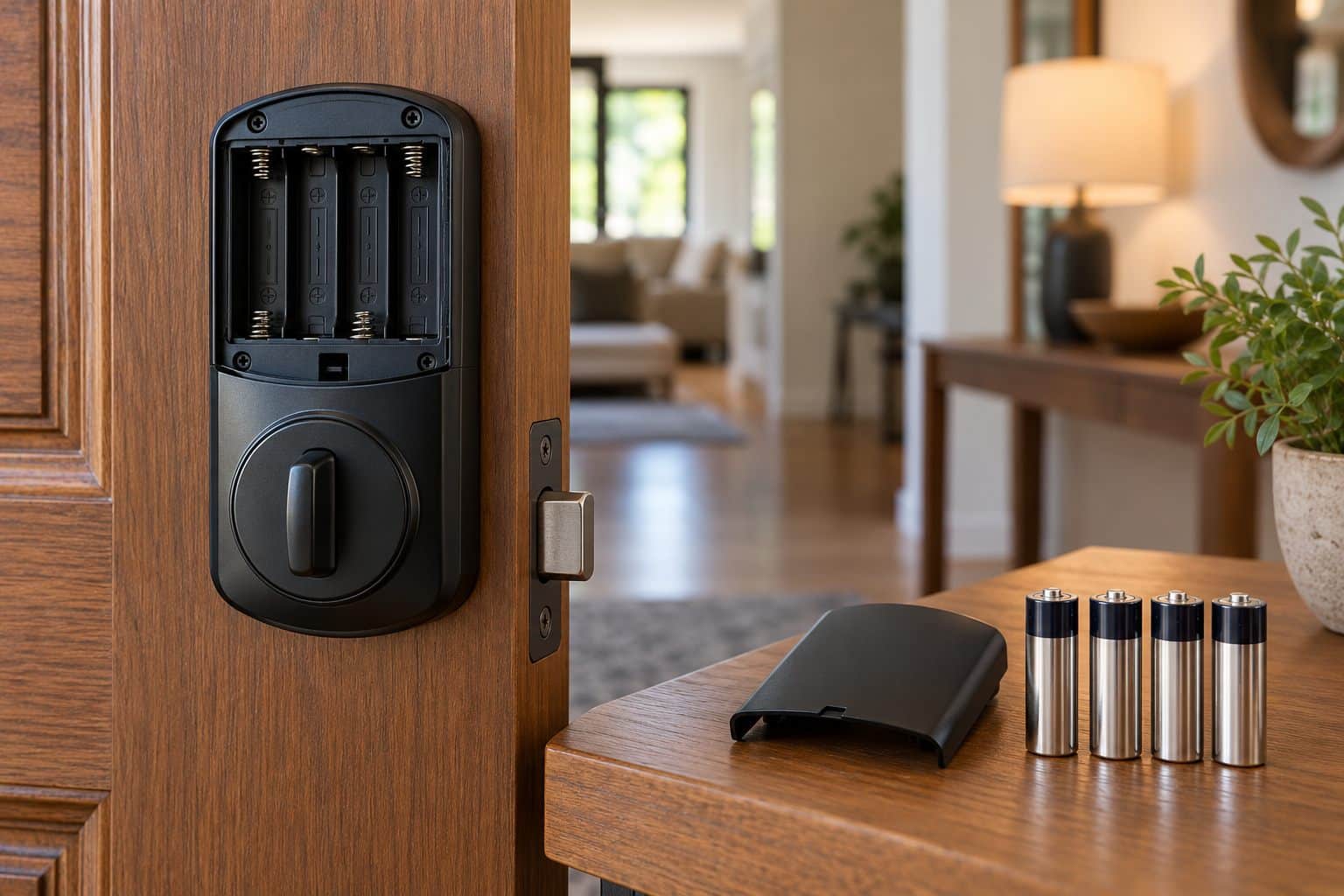
Check the battery status several days before a trip and replace batteries according to the manual when needed. Use the specified battery type and replace the complete set as directed. Mixing old and new batteries or experimenting with an unapproved battery chemistry can create avoidable problems.
If your lock has a mechanical key, test it while the door is open and keep an authorized spare somewhere you can access without entering the house. A spare inside the locked home cannot help during a lockout. If the product uses an emergency-power contact instead, learn its approved procedure in advance; never apply an improvised power source.
Give a trusted local contact a suitable access method and explain what to do if the app shows the lock as offline. Avoid sharing an administrator password when a separate user code will do. For a door assessment or help choosing an appropriate backup arrangement, see our residential locksmith services.
Test access without locking yourself out
Start with the door open, your backup key available and another responsible adult present if possible. Follow the manual to test the keypad and mechanical operation. If you test a network outage by switching off your own router, restore it afterward and verify that remote features reconnect. Do not reset the lock simply to simulate an outage.
Once the basic functions work, check operation with the door closed while maintaining safe access. A bolt that moves smoothly with the door open but struggles when closed can point to alignment or pressure at the strike. Repeated motor strain deserves attention; fresh batteries do not repair a binding door.
When the problem is the door rather than Wi-Fi
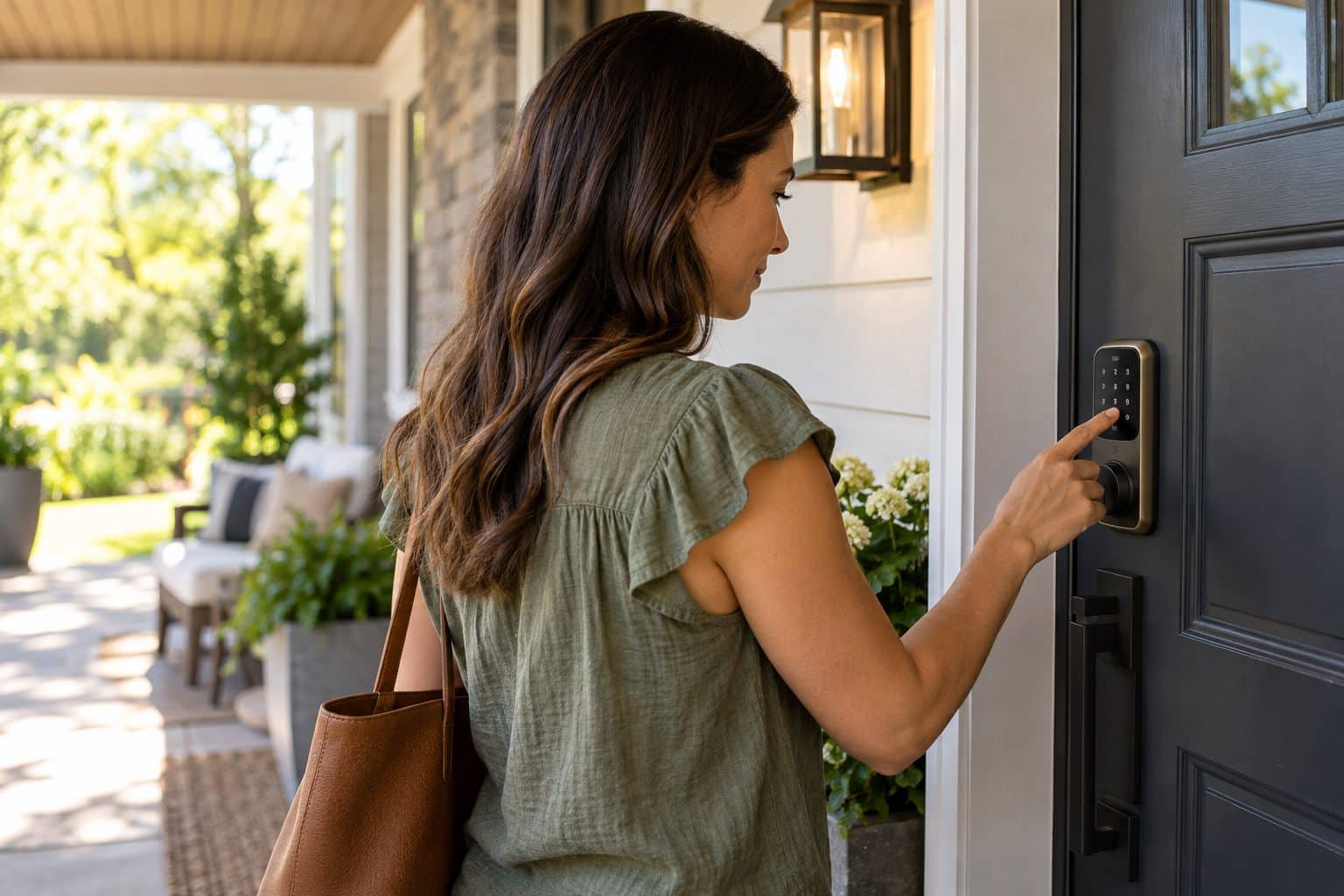
Watch for scraping, a bolt that stops short, or a door that must be pushed hard to lock. Weatherstripping, loose hinges and door movement can affect alignment. The app may report a jam even though the network is functioning normally. Describe the physical symptoms when calling for help.
Our lock change and rekeying service can help assess whether the hardware needs attention or replacement. Rekeying changes which mechanical key operates a compatible cylinder; it does not repair internet connectivity or automatically erase digital user codes. Treat mechanical and electronic access as separate parts of the review.
Keep the whole entrance in the plan
A connected lock does not replace a sound door, secure windows or sensible key handling. The Denver Police Department’s Neighborhood Crime Prevention resource offers a local starting point for broader home-security planning. Consider who can reach the property and how a trusted contact would help during an outage.
If you are already locked out and the documented backup method fails, our emergency locksmith service can assess the situation. Tell the dispatcher the lock brand and model, whether the keypad responds and whether a mechanical key is available. Confirm availability and the estimate before requesting a visit.
Frequently asked questions
Will a power cut unlock my smart deadbolt?
A typical battery-operated residential deadbolt does not unlock simply because household electricity fails. Its own batteries power the electronics. However, shared building access and wired locking systems can behave differently. Check the exact product and building arrangement rather than assuming every electronic lock works the same way.
Can I unlock a smart lock remotely without Wi-Fi?
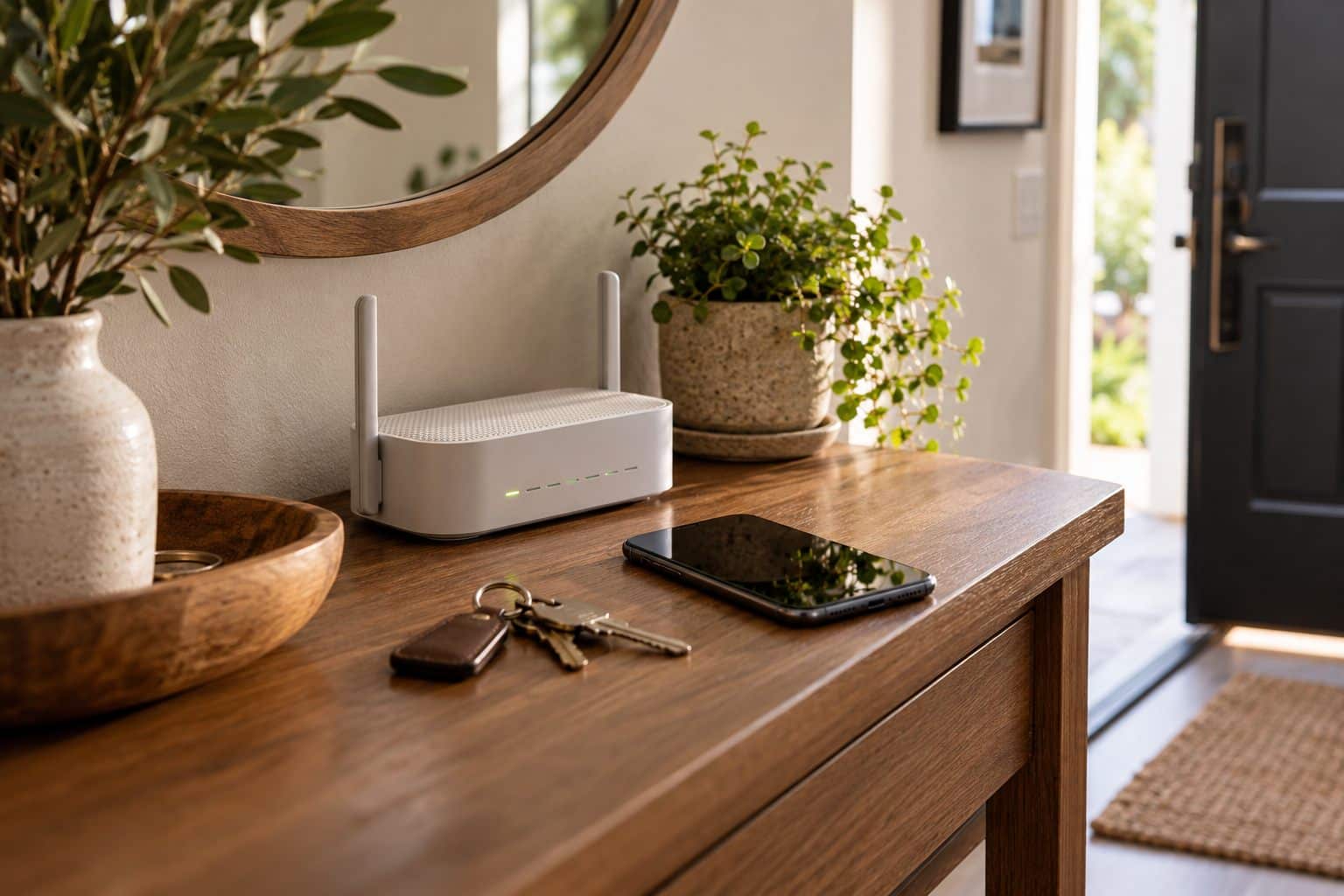
Remote control normally needs a working connection between the lock or hub and the service used by the app. Some locks offer local Bluetooth control when you are nearby, but that is not the same as remote access from miles away. Check the model’s supported connections and account requirements.
Will my guest code work during an internet outage?
A code already stored on a compatible lock may continue working locally. A new code that has not synchronized may not. Time schedules and integrations vary by product. Set up and test guest access before travel, and provide a backup contact instead of promising that every code will work offline.
What should I do when the smart-lock batteries die?
Use the model’s documented backup entry method. That may be a mechanical key or approved temporary external power; some products have neither option in the same form. Once inside, replace the batteries as instructed and test the lock. If you cannot regain authorized access, contact a locksmith with the model details.
Should I factory-reset a lock that says “offline”?
Not as a first step. A reset may erase codes and settings while leaving a router or internet fault unresolved. Check household connectivity, battery status and the manufacturer’s troubleshooting sequence first. Make sure you have physical access and a recovery plan before any reset.
Does a smart lock need replacing if the batteries drain quickly?
Not necessarily. Battery type, connection quality, usage and mechanical resistance can all matter. Record when batteries were changed, whether the bolt binds and what warnings appear. A physical inspection and model-specific troubleshooting can identify the cause before you spend money on another lock.
For help with a Denver home’s lock and door, contact Advanced Locksmith at 720 633 7444. Images are AI-generated illustrations, not completed customer installations.
